


Level
Primary, Junior Secondary, Senior Secondary
Course Topics
3D Design, 3D Printing, Project-based Learning, Engineering Design, Product Prototyping
Course Length
10–20 hours
Learning Objectives
Understand the everyday needs of people with disabilities or older adults, and define the problem a design should address.
Use design thinking to generate, compare and develop ideas for assistive products.
Create 3D models in Tinkercad and understand how digital designs become physical 3D prints.
Build, test and improve prototypes, adapting designs in response to feedback.
Explore simple electronics or suitable AI features according to project needs and the agreed course scope.
Document design decisions and clearly explain a product’s purpose, development process and use.
Understand the Make:able preparation process, organise design records and project information, and practise presenting and demonstrating the work.
Course Outline
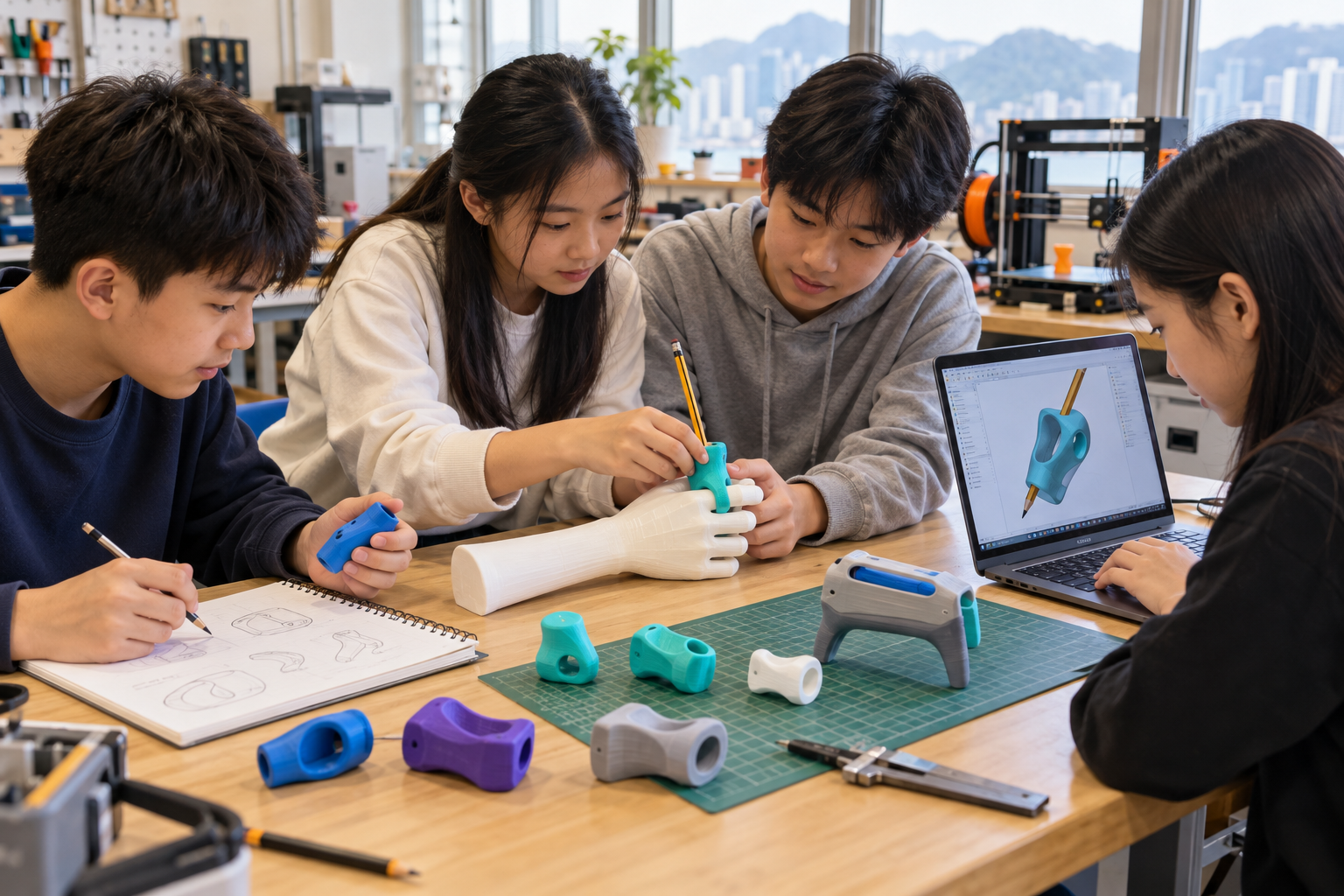
Prepare students for the Make:able Design Challenge, a respected global competition in 3D design, 3D printing and assistive technology. Students create prototypes that could make everyday tasks easier for people with disabilities or older adults.
Explore the official Make:able challenge
Suitable for primary and secondary students. We tailor the topics, pace and project difficulty to students’ experience, school resources and competition goals.
3D design and printing: Learn Tinkercad, prepare models for printing and use equipment safely.
Understand user needs: Explore everyday challenges and develop ideas for assistive products.
Build prototypes: Model, print and assemble designs to see how they work.
Add useful features: Explore simple electronics or age-appropriate AI where suitable.
Test and improve: Gather feedback, refine prototypes and record changes.
Prepare for the competition: Organise design records, review submission checklists and practise presenting the work.
Course Requirements
Experience: No prior 3D design experience is needed for the foundation topics.
Equipment and support: Plan for internet-connected computers, Tinkercad access, 3D printers and materials, plus teacher support. We agree printing arrangements and any electronics or AI tools with the school.
Competition responsibilities: We provide submission checklist guidance and feedback on project information. The school handles registration and produces, edits, approves and uploads the submission video. Video production is outside the course scope.
Competition rules: Follow the organiser’s current rules, age groups and deadlines.
Prototype use: Student work is for learning and is not certified medical equipment.